






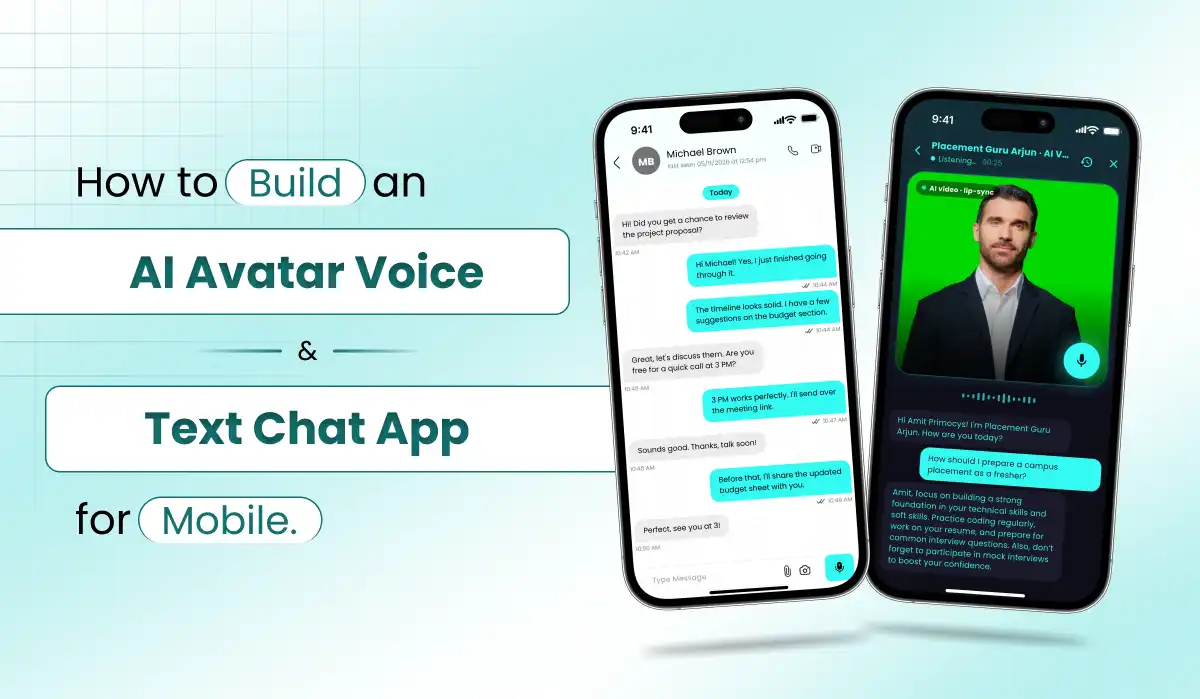
A talking AI avatar sounds simple until you try to make a conversation feel natural on a phone. Users expect to speak, hear a reply and switch to typing without losing the thread. This guide explains how to build an AI avatar voice chat app, from speech processing to animation, and what to plan before you invest in AI avatar app development.
In short: The voice is rarely what makes or breaks an AI avatar. Delay is. Most of the work goes into making the avatar react quickly, handle interruptions, keep voice and text in sync, and fall back gracefully when the network is weak. Cost is scope-based, so a clear launch scope is the best way to keep the budget under control.
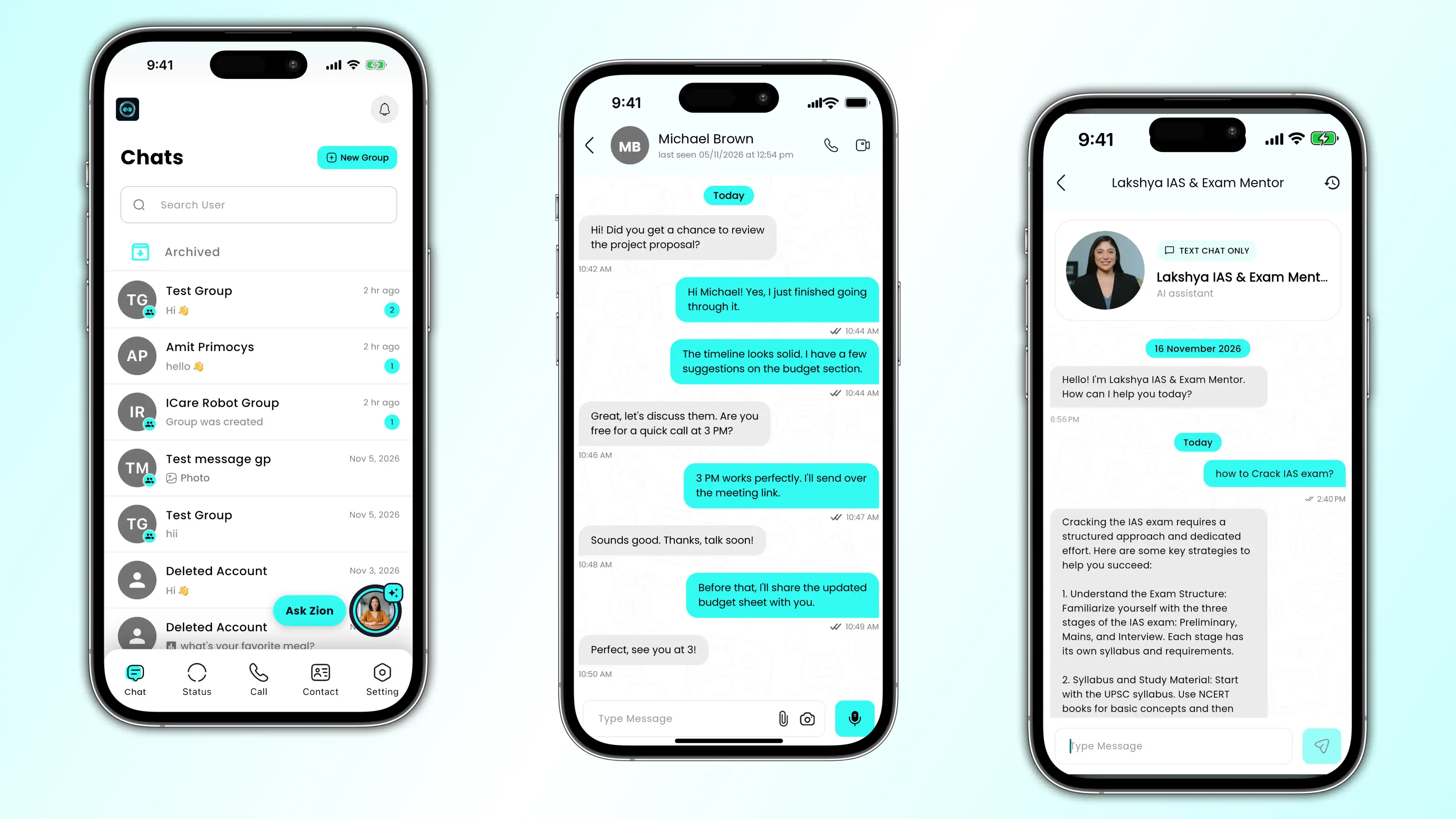
Natpuu: an AI avatar voice chat app example
The product goal is straightforward: let people interact with an avatar by speaking or typing, without making either mode feel like a separate experience.
- Project reference. Natpuu — a mobile messaging app with AI avatar voice and text interactions, developed by Primocys for iCare Robotics.
- Platforms. Android and iOS.
- Engineering focus of this guide. Conversation continuity, speech processing, avatar rendering and mobile reliability. The architecture below is a reference approach, not a disclosure of Natpuu’s internal implementation.
Explore the Natpuu product showcase or view the app on iOS and Android.
Why an AI voice and text chat app is hard
A text chatbot can take a few seconds and nobody minds. A voice conversation can’t. Silence of even a second or two feels like the app froze. Add an animated face that has to move its mouth in time with the audio, and you now have several systems that all have to finish before the user notices anything is wrong.
Supporting both modes adds a second challenge: the avatar must feel like one personality whether the user is speaking or typing. If voice and text use different prompts or different memory, the avatar contradicts itself.
AI avatar app use cases
An avatar earns its place only when a face and a voice make the conversation easier to follow, or more engaging, than plain chat. These are the use cases we see most often, and what each one needs to work:
- Coaching and training. A mentor avatar for practice conversations, interviews and onboarding. Learners rehearse out loud without fear of judgment, and you can review tone, pace and answers across sessions.
- Fitness and wellness. Guided check-ins and workout coaching inside a fitness app. A coach that greets users by name and reacts to their progress helps them stick with a routine.
- Healthcare support. Appointment guidance, reminders and intake that hand off to a human, as part of a telemedicine app. The avatar should never diagnose or replace clinical advice, and if you handle patient data in the US, plan for privacy rules such as HIPAA from day one.
- Customer support and sales. A voice avatar that answers product questions on your website or app at any hour. It handles repeat questions and passes qualified leads and complex cases to your team.
- Kids’ learning and storytelling. Interactive characters for stories and lessons, where guardrails come first. In our EmoTales project, children pick 2–6 emojis to create a story narrated in 10 languages, while parents get screen-time and story-category controls and a PIN to protect child profiles.
- Social and companion chat. Friendly characters inside a messenger, where people pick an AI avatar and chat by text or voice. In Natpuu, which we developed for iCare Robotics, voice chats come with a text transcript and reopened conversations keep their context.
Pick one primary use case for launch. It decides the avatar style, the languages, the guardrails and the budget, and it keeps your first release small enough to ship and test with real users. Not sure which one fits? Our AI mobile app cost guide shows how scope changes the price, or tell us your idea and we will help you scope it.
AI Avatar App Development: The Voice Pipeline
Every spoken reply in an AI avatar voice chat app passes through four stages. Each stage adds time, and each one can fail. Choosing the right speech to text and text to speech for your avatar is one of the first technical decisions in AI avatar app development, because together they decide how quickly your avatar answers and how natural it sounds.
| Stage | What it does | What can go wrong |
|---|---|---|
| Speech to text | Turns the user’s voice into text | Background noise, accents and cut-off sentences |
| Language model | Decides what the avatar should say | Slow first response, off-topic or unsafe answers |
| Text to speech | Turns the reply into spoken audio | Unnatural pacing, or waiting for the full text before speaking |
| Avatar rendering | Moves the face and mouth in time with the audio | Lip sync drifting, heavy rendering on older phones |
Some voice models process speech directly instead of using separate stages. This can reduce delay, but it may give you less control over the avatar’s wording. Compare both approaches on realistic conversations, quality requirements and cost before you commit. Not sure which setup fits your product? Our team handles voice AI agent development and can help you choose through AI consulting before a single line of code is written.
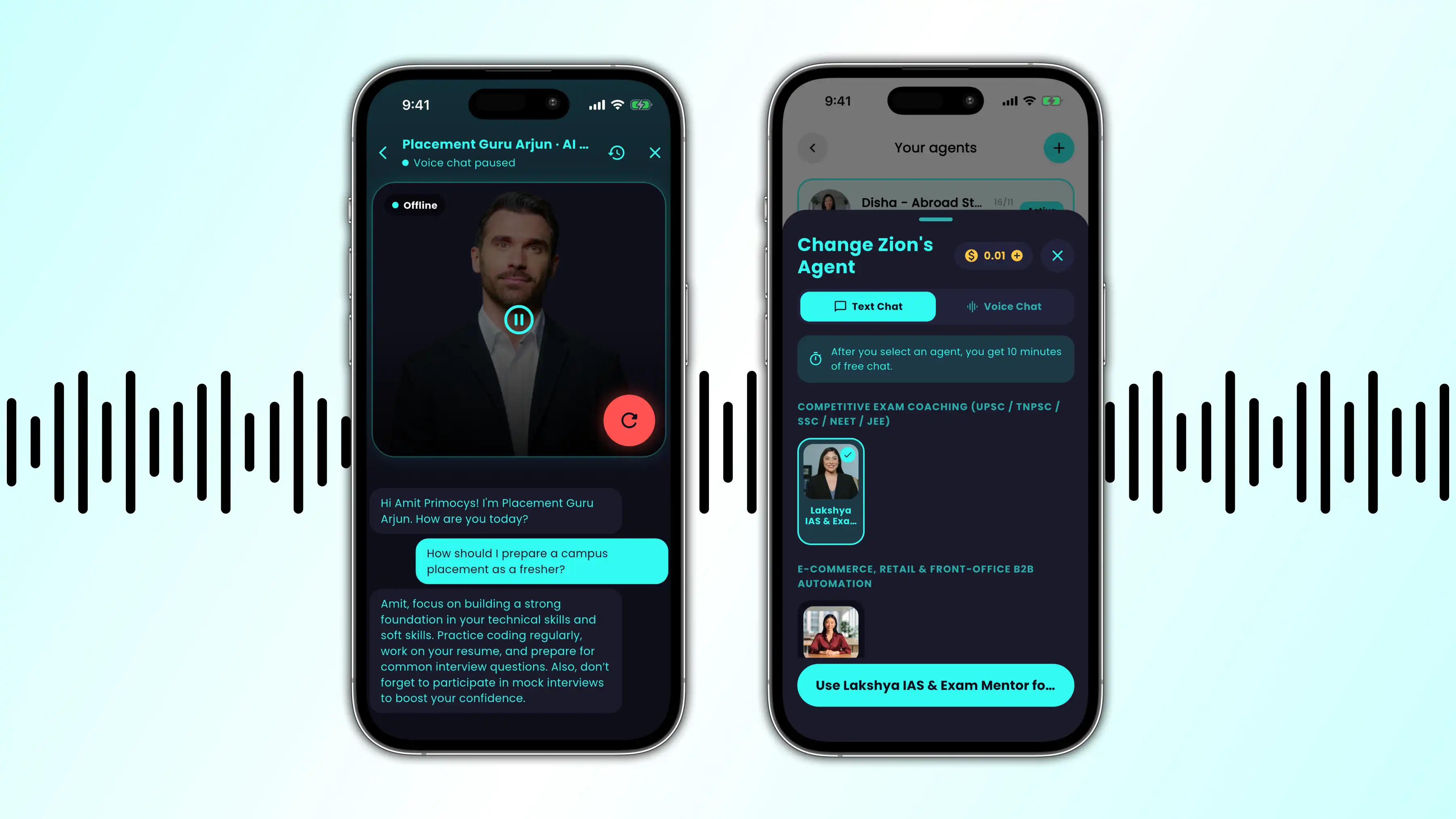
Low Latency AI Voice Chat: Cutting the Delay
A real-time AI avatar conversation depends on low latency, not just a good voice. Silence of even a second or two makes the app feel frozen, and delay adds up across every stage of the pipeline. The fix is rarely one big change. These are the techniques that matter most:
- Stream everything: Start the voice as soon as the first sentence of the reply exists instead of waiting for the whole answer, so the user hears a response while the rest is still being generated.
- Acknowledge quickly: A short visual reaction, such as a nod or a thinking expression, tells the user they were heard while the answer is prepared.
- Keep replies short: A two-sentence spoken answer beats a perfect paragraph that takes too long to say. Write your prompts for speaking, not for reading.
- Handle interruptions: Users talk over avatars. The avatar must stop speaking when the user starts, and the app must discard the rest of the old reply.
- Plan a text fallback: On a weak connection, switch to shorter replies and a clear “slow connection” message, then fall back to text chat so the user is never left waiting in silence.
- Measure what the user feels: Track time to first acknowledgment and time to first sound on real mobile networks, not only server timings.
Treat these as product targets decided before development starts. It is much easier to design around a latency goal than to discover the problem after the app is built. If you are comparing real-time voice infrastructure, see our Agora, Twilio and ZEGOCLOUD comparison.
One AI Avatar Conversation, Two Ways to Talk
The cleanest design for an AI voice and text chat app is one conversation state, one set of rules and one memory, with voice and text as two ways in and two ways out. In practice that means:
- Shared history: A single conversation history that both voice and text read and write.
- Same rules: The same safety rules and personality instructions for every reply, spoken or typed.
- Voice-friendly wording: Lists, links and formatting sound odd when read aloud, so spoken replies need their own plain wording.
- Smooth switching: A user who starts by voice and then types should never see the avatar forget the conversation.
If your AI avatar chatbot for a mobile app needs to answer from your own content, such as a product catalogue or help articles, a retrieval layer on top of the same conversation usually handles it. See our AI chatbot development work.
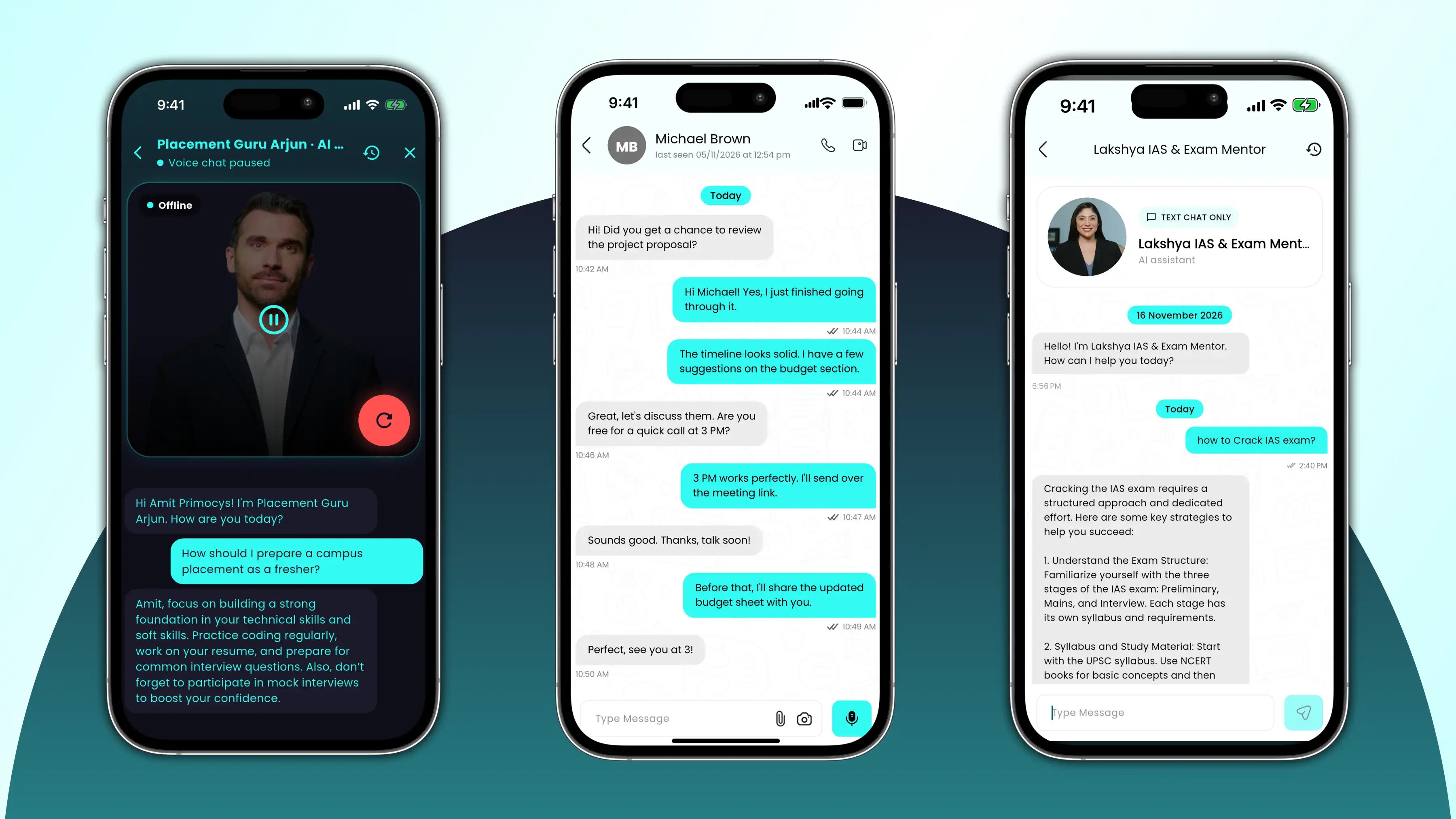
The avatar layer and lip sync
The avatar is the most visible part and often the least necessary to make complex. A 2D or lightly animated character whose mouth follows the audio is quick to build and light on phones. A full 3D avatar looks impressive but adds design effort, rendering cost and battery use, so it should earn its place.
Whatever style you choose, the mouth movement should be driven by the audio that is actually playing, so it stays in step even if a reply is cut off or interrupted.
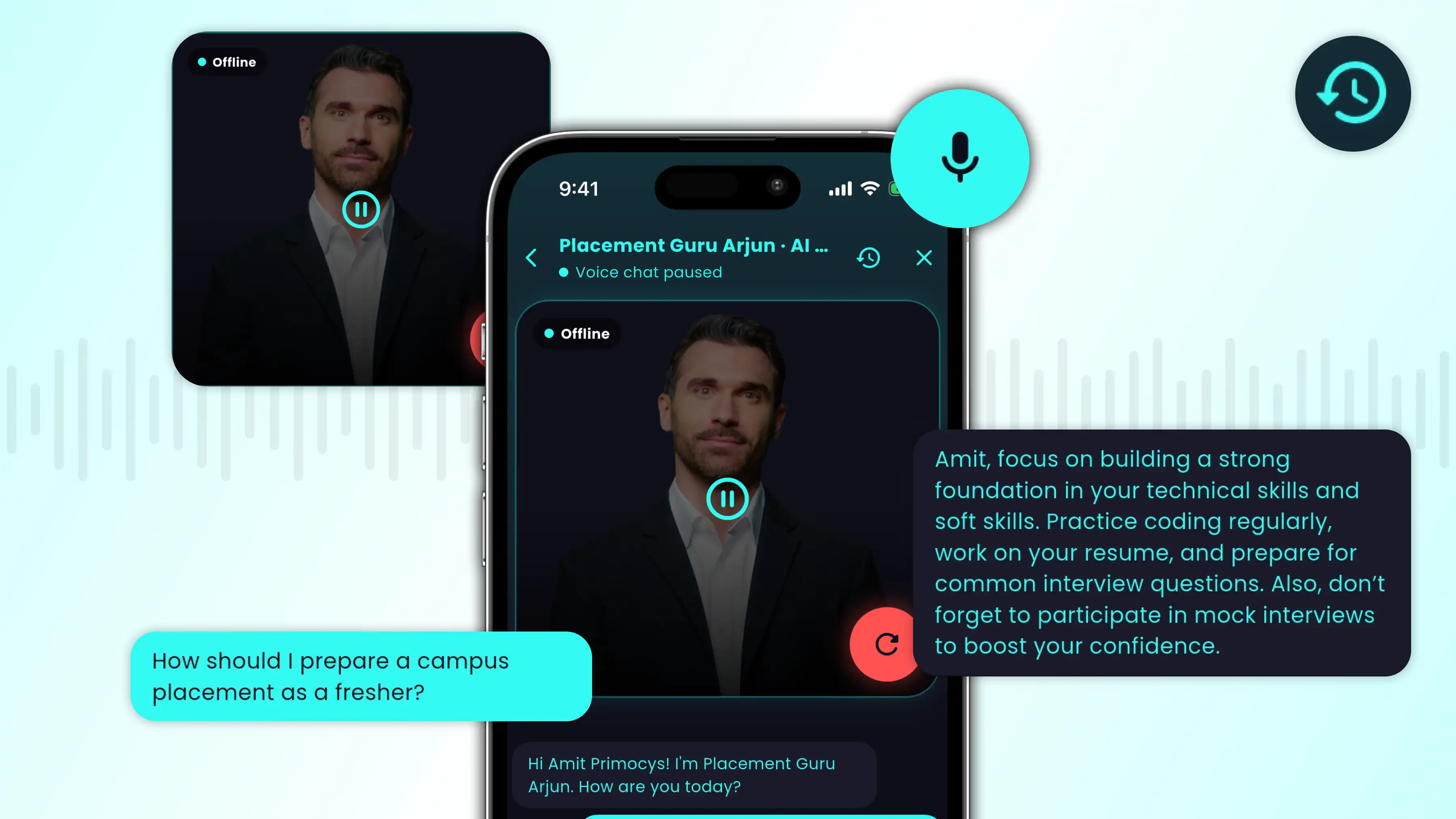
Live Demo: Natpuu AI Avatar Chat App in Action
See how Natpuu brings AI avatar conversations into a mobile app. Built by the Primocys team for iCare Robotics, it combines AI text chat, voice conversations, and messaging in a single Flutter app for Android and iOS.
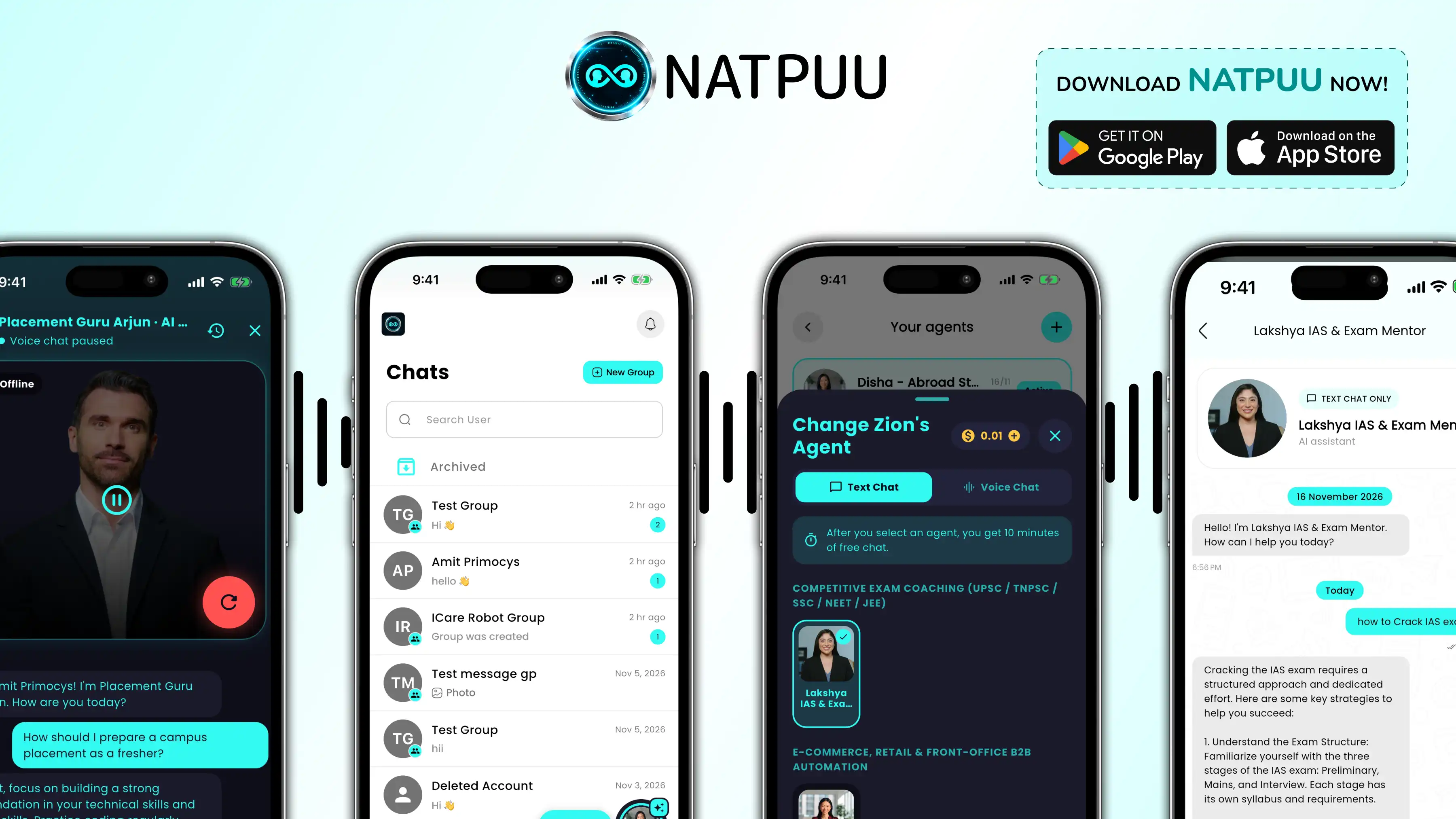
AI Avatar App Problems That Only Show on Phones
Demos on a laptop with fast Wi-Fi hide most of these issues. On real phones, a mobile AI avatar app runs into them quickly:
- Weak and changing networks: voice must keep working, or fail clearly, when the connection drops or slows. Shorter replies and a clear “slow connection” message beat silence.
- Audio handling: microphone permissions, speaker and earpiece switching, Bluetooth headsets, incoming calls, and echo when the avatar’s own voice is picked up by the microphone all need deliberate handling.
- Battery and heat: continuous audio plus animation is demanding, especially on older devices, so keep rendering light.
- Background behavior: decide in advance what happens when the user switches apps mid-conversation, such as pausing, muting or ending the session.
- Device variety: screen sizes, chipsets and OS versions behave differently, so test on a real device matrix, not one flagship phone.
A text fallback matters here. When voice isn’t working well, the user can keep chatting by typing instead of giving up, which is one more reason to design voice and text as one conversation from the start. Our mobile app development team tests weak networks, Bluetooth, interruptions, battery use and a real device matrix before launch, so these problems show up in QA instead of your app store reviews.
What affects AI avatar app development cost?
A text-first avatar with optional spoken replies is generally a smaller build than a continuously animated, interruptible voice experience. Budget separately for mobile development, backend conversation management, avatar assets, speech services and testing. Recurring costs depend on conversation volume and provider billing. Before requesting a quote, decide which languages, platforms and avatar style are essential for launch.
For a project estimate, share your intended user journey, expected monthly voice minutes and any existing app or backend with our AI development team .
AI Avatar App Development Process and Timeline
Knowing how to build an AI avatar app starts with a clear process. We follow the same six stages we use for every mobile project, with avatar-specific checks added at each step, so you know what happens and how long it takes before you commit.
| Stage | What happens | Typical time |
|---|---|---|
| 1. Discovery | Define the user, the use case, the latency target and the launch scope, so the plan is fixed before design starts | 1–2 weeks |
| 2. UI/UX and avatar design | Wireframes, prototype, avatar style (2D or 3D) and voice personality | 2–4 weeks |
| 3. Architecture and providers | Choose speech, language model and voice services, tested on real conversations | 3–5 days |
| 4. Development | Two-week sprints with working builds of voice, text, lip sync and backend, each ending in a demo | By scope, confirmed after discovery |
| 5. QA and device testing | Weak networks, Bluetooth, interruptions, battery use and a real device matrix | 2–4 weeks |
| 6. Launch and support | App Store and Google Play submission, monitoring and maintenance | 1–2 weeks, then ongoing |
Every sprint ends with a demo, so you see the avatar speak long before launch. For the full method, read our mobile app development process guide.
AI Avatar App Development Cost
A text-first avatar with spoken replies is a smaller build than a continuously animated, interruptible voice experience. We do not publish fixed prices. Every project gets a scope-based estimate after discovery, so you pay only for the features you actually need. Use the tiers below to see where your idea fits.
| Build tier | What is included | Main cost drivers |
|---|---|---|
| Text-first avatar MVP | Text chat, spoken replies, a simple 2D avatar, one language, Android and iOS | Number of screens, backend scope, one speech provider |
| Voice and text avatar | Streaming voice, interruptions, audio-driven lip sync, shared conversation memory, admin panel | Voice quality, latency target, languages, voice minutes |
| Advanced avatar platform | 3D avatar, multiple languages, integrations, analytics and scale | 3D assets, integrations, compliance, expected users |
What changes the price
Avatar style, number of languages, voice quality, platforms, integrations and how many users you expect all move the budget. Before requesting a quote, decide which of these are essential for launch, because a clear launch scope is the best way to keep your MVP cost under control. Our AI mobile app cost guide and MVP development cost guide explain the wider picture.
Ongoing voice and AI costs
Voice conversations cost money on every minute for speech recognition, the language model and voice generation. Model that cost against how you plan to earn from users before you pick providers, and share your expected monthly voice minutes when you ask for an estimate.
AI Avatar Safety, Privacy and Provider Choice
A talking avatar handles live voice, personal data and sometimes sensitive conversations. These three decisions protect your users and your product, and they are much easier to make before development than after launch.
- Consent and privacy: Be clear when the microphone is on, decide what is stored (audio, transcripts or neither) and for how long, and tell users plainly.
- Guardrails: Decide what the avatar must refuse or hand off, and test those cases deliberately. This matters even more if children or sensitive topics are involved.
- Provider independence: Keep speech, language model and avatar services behind your own layer, so you can change a provider for quality or price without rebuilding the app.
Unsure what your avatar must refuse or hand off to a human? Our AI consulting team can map out the guardrails and provider setup before development starts.
Lessons from a live AI avatar voice chat app
Natpuu provides a relevant example of a mobile product combining messaging and AI avatar interactions. Its public app links are provided above. Specific latency measurements, AI providers and implementation details are not disclosed here.
The biggest lesson is that the avatar’s quality is decided by many small choices about speed, interruptions and fallbacks rather than by any single AI model.
Conclusion: plan your AI avatar app
A good AI avatar voice chat app comes down to speed, one shared conversation across voice and text, and a launch scope that matches your budget. Decide early whether you need a talking avatar, a voice assistant or a simple text chatbot, because that choice shapes everything from design to cost. If you already know what you want to build, our team can take it from idea to launch through our AI development services and chat app development, so the AI and the app are built by one team.
AI Avatar App Development FAQs
How fast should an AI avatar reply?
Can one AI avatar handle both voice and text chat?
Do I need a 3D avatar?
How much does it cost to build an AI avatar chat app?
How long does it take to build an AI avatar voice chat app?
Can you add an AI avatar to my existing app?
How do I choose an AI avatar app development company?
Related Guides

Build your scalable apps today.
Contact UsLeaving Already?
Hear from our clients and why 1200+ businesses trust Primocys

"Our B2B and B2C platform helps Nigerian manufacturers sell at wholesale prices and suppliers offer competitive retail pricing, with a strong focus on Made in Africa products and easy local and international distribution. The app has received excellent user reviews for its design and unique features. Communication with the Primocys team was smooth in an agile setup, even beyond office hours when needed. Their mobile app development expertise is excellent—highly professional and reliable."

"The dating app was delivered successfully and approved by both Apple App Store and Google Play. Our users are highly impressed with the design, UI, and overall functionality. The project was well planned with clear milestones, and all modules were delivered on time. The team is talented, patient, and flexible, accommodating multiple scope revisions as requirements evolved. Their 24/7 development and support availability made the entire process smooth and reliable."

" We hired Primocys to develop a highly complex and specialized mobile application, and they delivered outstanding results. The app includes advanced features such as timeline mixers, classifieds, payments, advertisements, GPS functionality, and more. Their technical skills, timely delivery, availability, and the personal attention Arpan Sagar brings to each project truly stand out. The team stays focused and committed from start to finish—an excellent experience overall."

" Great team with excellent communication and a strong commitment to on-time delivery. They developed a fully customized mobile app for both Android and iOS, perfectly matching our requirements. The entire process was smooth and professional, with clear updates at every stage. They are reliable, skilled, and very easy to work with. We’re continuing our partnership on more projects, and choosing them has been one of the best business decisions I’ve made."

AWARDS



Share Your Requirements
TRUSTED BY GLOBAL BRANDS